Industry
Part of Digitizing a family collection costs more after the scanner than before it
Digitization planning starts with an inventory, not a scanner purchase
How a digitization project is actually planned: the order institutions work in before any scanning starts, identify the formats, assess condition, inventory.
What to take away
- Identification comes before everything. You cannot plan for a format you have not recognized.
- Condition assessment decides the order of work, and inventory decides whether the work is finishable.
- Self-digitization is realistic for some formats and a bad idea for others. The split is not about budget.
- No practitioners were interviewed for this piece. It describes published project guidance.
Why this is not an interview piece
Digitization planning starts with an inventory, not a scanner purchase, and what follows is the sequence institutions publish for both.
Step one: work out what you have
Michigan State University Libraries' guide to media identification, condition assessment and inventorying puts these three activities before any decision about equipment or vendors, and it is organized the way the job actually runs: identification, then condition assessment, then inventorying tools. Check the page's Last Updated stamp before relying on the format lists.
Its identification resources exist because the problem is real. Home collections contain formats people cannot name, and some of them are not obviously audio rather than video, or film rather than tape. The guide points to the A/V Identification Self-Assessment, described as the go-to resource for media identification, alongside a shorter visual guide to audiovisual formats for quicker recognition.
Do that first. A box labeled home movies can contain four incompatible formats, and each has a different route.
Then count, in a table, one row per format:
| Format | Counting unit | Condition flag |
|---|---|---|
| Loose prints | Boxes and rough count | Curling, fading, mold |
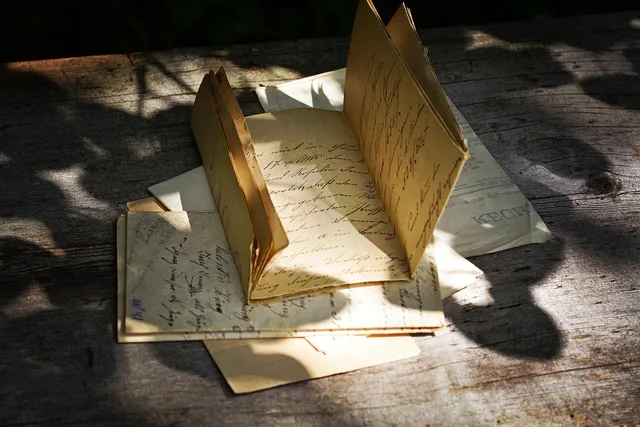
| Albums and scrapbooks | Pages | Sticking, brittle paper |
| 35mm negatives and slides | Sleeves and trays | Vinegar odor, color shift |
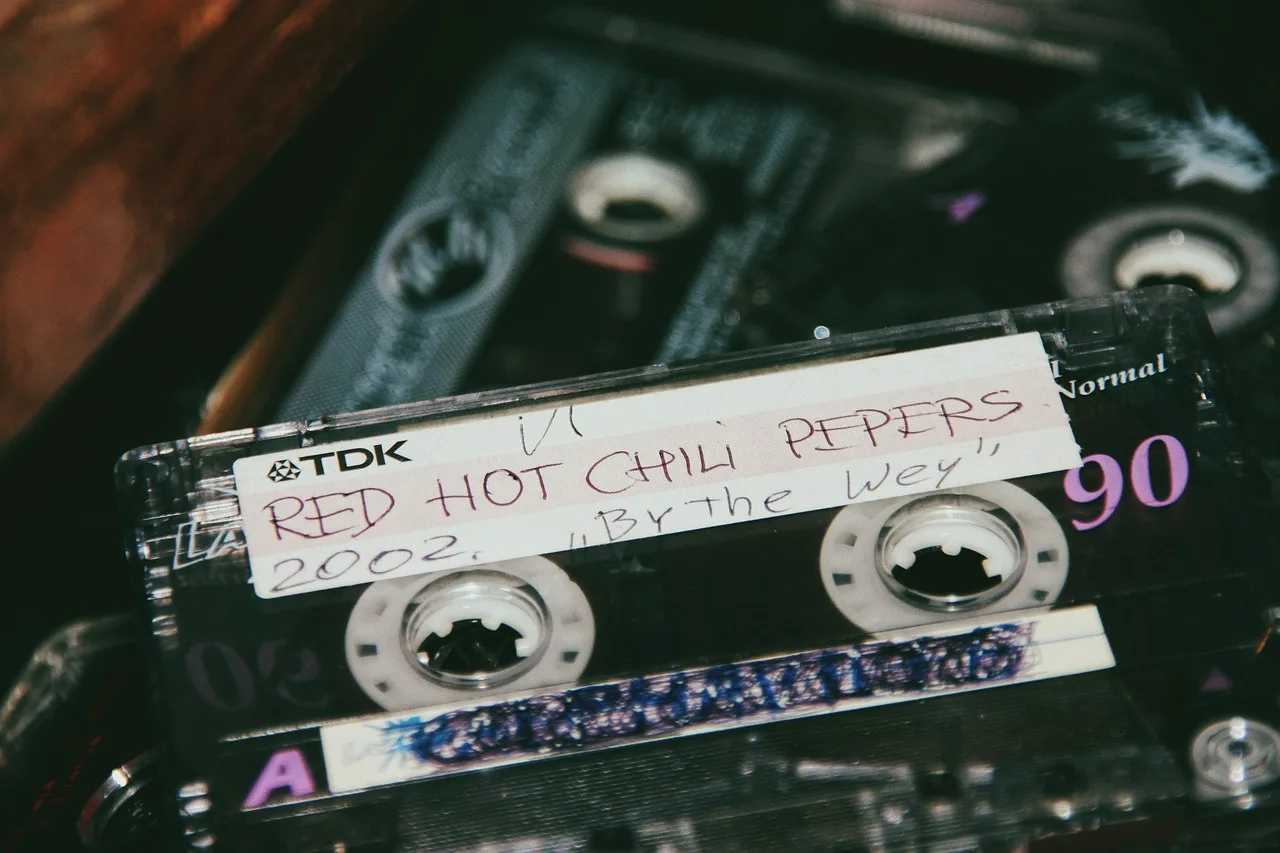
| Audio and video tape | Titles per shelf | Sticky shed, mold |
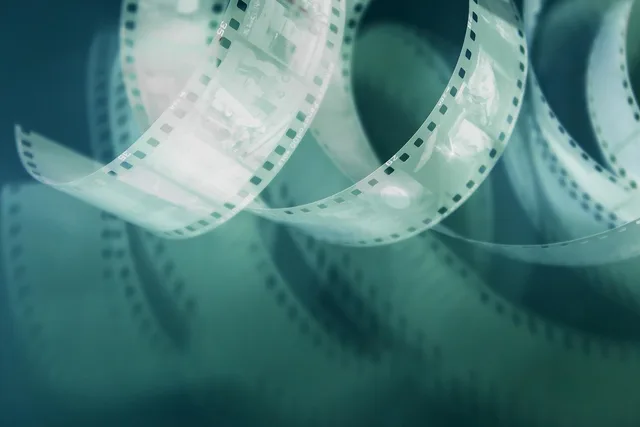
| Motion picture film | Reels and can labels | Shrinkage, splices |
Rough counts and one condition flag per row are enough to size the job. That is an afternoon, not a cataloging project.
Step two: decide what a project even is
Michigan State's page on starting a digitization project frames the choice as a cost comparison, not an enthusiasm. It points to the Cost of Inaction Calculator, which weighs the long-term cost of archival inaction, or not preserving audiovisual collections, against the immediate cost of the work.
That calculator helps build an argument for a preservation plan, so collections do not languish.
Households have the same argument, usually with themselves. The honest version of it is that some formats are degrading on a clock and others are not, so inaction costs nothing for one group and everything for another.
The same page recommends a project handbook produced in 2000 that it says has aged well as an overview of every stage, while noting its technical primer is somewhat outdated. That is a useful way to read old guidance generally: the process advice survives, the numbers do not.
Step three: vendor or yourself
Reasonable to do yourself
- Prints and documents
- Yes, with a flatbed
- 35mm negatives and slides
- Yes, with a film scanner
- Glass plates
- Rarely
- Magnetic tape, audio or video
- Only with working equipment
- Motion picture film
- No
Send out
- Prints and documents
- Oversized or fragile
- 35mm negatives and slides
- Damaged or unusual sizes
- Glass plates
- Almost always
- Magnetic tape, audio or video
- Usually
- Motion picture film
- Always
The line is not cost. It is whether working playback equipment exists in your house and whether a mistake is recoverable.
Do it yourself or send out
Do yourself
- Prints and documents
- Yes, flatbed
- 35mm negatives and slides
- Yes, film scanner
- Glass plates
- Rarely
- Magnetic tape
- Only with equipment
- Motion picture film
- No
Send out
- Prints and documents
- Oversized or fragile
- 35mm negatives and slides
- Damaged or unusual sizes
- Glass plates
- Almost always
- Magnetic tape
- Usually
- Motion picture film
- Always
Step four: buy what the inventory calls for
Only after those three steps does equipment make sense, because only then do you know the formats, the volume and the split between work you will do and work you will pay for.
For the do-it-yourself rows, the shopping list is short:
- Prints and documentsa flatbed scanner at 600 ppi optical resolution or better, plus a copy stand for loose items.
- 35mm negatives and slidesa scanner with film holders. Typical flatbeds with holders resolve about 2400 to 3200 ppi on film. Dedicated film scanners cost more and take one frame at a time.
- Software that writes TIFF, and two separate drives so you hold two copies.
- Tapea working deck for each format and an analog-to-digital capture device. No working deck means the format belongs in the send-out row.
Our guide to what digitizing costs after the scanner covers the ongoing side, and the notes on which photographs are at risk first cover the order the batches should run in.
Outsourced scanning in the United States typically runs from about $0.30 to $1.50 per print or slide, with lower rates at volume. The linked guide covers the per-item and per-hour pricing in detail.