Reviews
Home setup for digitizing family cassettes: deck, cleaning, and audio routing to a computer
Set up a playback deck, clean the tape path, route audio into a computer, set safe levels, and store family cassettes and captured files at home.
What to take away
- A single-well deck with a line output, manual tape-type switching, and adjustable azimuth handles nearly every family cassette.
- Clean the heads, capstan, and pinch roller before a session, and demagnetize the head stack once a year.
- Route the deck line output into a USB audio interface, set peaks near -12 dBFS, and record at 44.1 kHz, 16-bit minimum.
- Play each tape once for capture, then store the original upright in a cool, dry closet.
- Keep two copies of every file and test one restore each year.
What a usable playback deck needs
The deck decides the quality of everything downstream. Aim for a single-well cassette deck with a line-level output and a manual tape selector. Dual-well and auto-reverse machines add extra heads and capstans that drift out of alignment.
Adjustable azimuth on the playback head is the feature worth hunting for. Azimuth is the angle between the head gap and the tape. When it drifts, cymbals and sibilants sound dull.
Dolby B and Dolby C decoding matter for tapes recorded with noise reduction. Switch Dolby off for tapes recorded without it. A headphone jack and a working counter make monitoring and notes easier.
Used decks that turn up often include Nakamichi, Tascam 122, Technics RS, and Sony ES models. Condition beats the badge. Ask about belts, idler tires, and the pinch roller before you pay.
Checking the tape path before the first capture
Old tape sheds oxide onto the heads. That layer lifts the tape away from the head gap and causes dropouts that sound like fading audio. Clean before every session and inspect the rubber parts.
Checking the tape path
- Clean the heads and capstan with 90 percent isopropyl alcohol and foam swabs.
- Clean the pinch roller with water or a rubber cleaner, never alcohol.
- Look for glaze, flat spots, or cracks on the pinch roller.
- Check the capstan belt for slack and the idler tire for hardening.
- Run a cassette-shaped demagnetizer over the head stack with the deck unplugged.
If a tape squeals, stop the deck. Squealing often points to a worn pressure pad or a shell that needs replacing. Forcing playback can shave oxide off the recording.
Treat each original as the master. Capture it once, then let it rest.
Routing audio into a computer
Computer input
- RCA line out
- USB interface with RCA or 1/4 inch inputs
- RCA line out
- 3.5 mm line input on a desktop
- Headphone jack
- 3.5 mm line input
- Receiver tape out
- USB interface
What to expect
- RCA line out
- Cleanest level control and lowest noise
- RCA line out
- Usable, but watch for ground hum
- Headphone jack
- Last resort, and keep the volume low
- Receiver tape out
- Good when the deck lives in a stereo rack
Set gain on the loudest passage of each side, not the quietest. Peaks near -12 dBFS leave room for level spikes on worn tape. Record at 44.1 kHz and 16-bit as a floor, and use 24-bit if the interface allows it.
Hum at 60 Hz usually means a ground loop between the deck and the computer. Plug both into the same power strip first. If the hum stays, a ground loop isolator or a balanced input on the interface breaks it.
Example: a thrift-store deck into a laptop
Thrift-store deck into a laptop
- Connect the deck line out to a USB interface, then the interface to the laptop.
- Match the tape selector to the shellType I, Type II chrome, or Type IV metal.
- Play a loud passage and raise the interface gain until peaks sit near -12 dBFS.
- Monitor with headphones for hum, wow, or a dropout in one channel.
- Record the full side in one pass, flip the tape, and repeat.
Type I ferric tape uses normal bias, Type II chrome uses high bias, and Type IV metal needs the metal setting. The wrong setting costs high frequencies or adds hiss. Cassettes run at 1 7/8 inches per second, so speed errors show on sustained piano notes.
The Conserve O Gram on digitizing recordings lists the cost factors that decide between a home deck project and a transfer house. Use that math when a cassette is moldy, crinkled, or recorded at a nonstandard speed.
From playback to the file workflow
Once the deck, cables, and levels are right, the remaining work is capture order and file naming. The how to digitize audio cassette tapes guide covers that sequence, including splitting sides into tracks and checking each file. Test one tape end to end before you batch a whole box.
Storing tapes and files so they survive
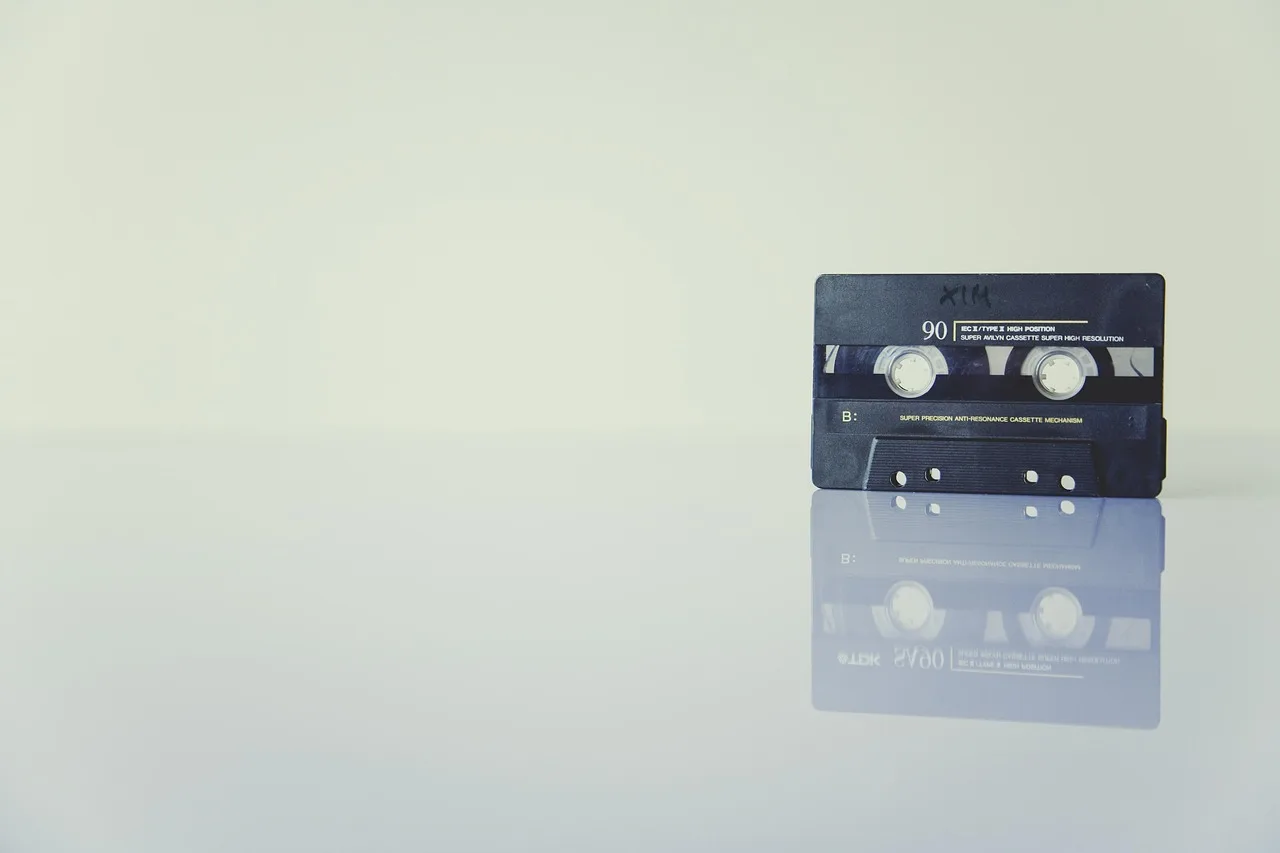
Store cassettes upright like books, away from heat, sunlight, and magnets. Attics, garages, and basements swing in temperature and humidity, which stresses the binder that holds the oxide.
NARA environmental control guidance for records recommends stable temperature and relative humidity, plus protection from water. A sealed bin with a desiccant pack on a shelf beats a cardboard box on a concrete floor.
Keep the only copies of your files apart. NFPA 232 covers fire protection for records storage, so it is the standard to check before buying a fire-rated cabinet.
Test a restore once a year. Plug in the drive, open a folder, and play one file from each decade of tapes.