Reviews
Digitizing Family Oral Histories: A Workflow from Interview to Digital File
A step-by-step workflow for digitizing family oral histories, from recorder setup and consent notes to file naming, transcription, and safe storage.
What to take away
- Record spoken interviews as 48 kHz, 24-bit WAV on a dedicated recorder, with the microphone close to the speaker.
- Capture consent twicespoken at the top of the file and signed on paper.
- Use one file naming pattern so audio, transcript, and notes stay paired.
- Keep a preservation WAV, an access MP3, and checksums on two drives in different places.
- Digitizing family oral histories is a chain: equipment, consent, copy, transcript, storage.
Choosing oral history recording equipment
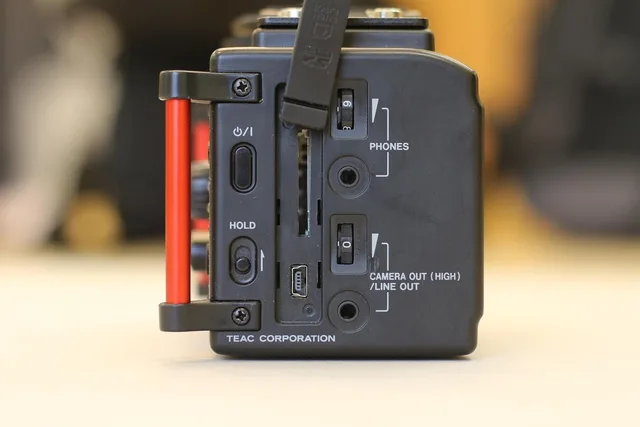
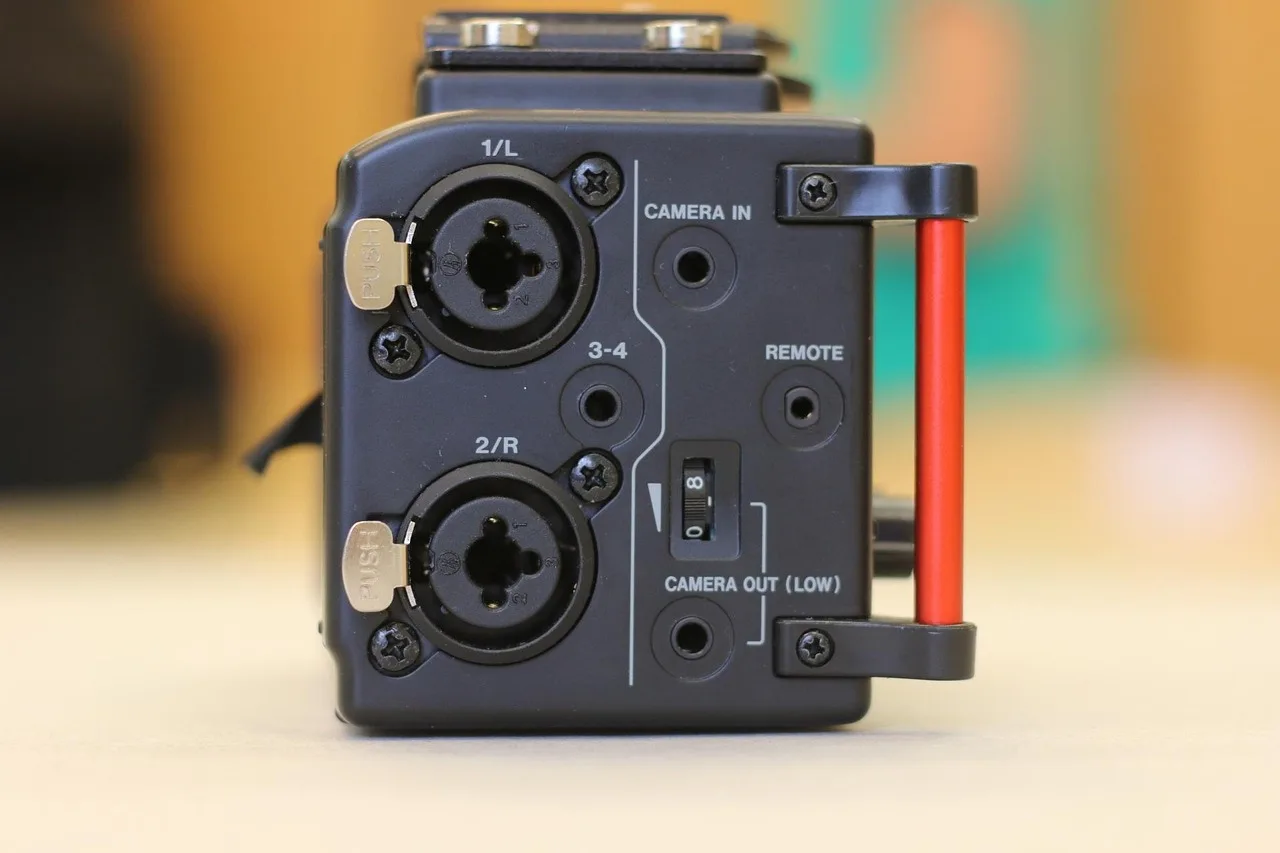
Handheld recorders such as the Zoom H1n, Zoom H5, Tascam DR-40X, and Sony PCM-A10 write 48 kHz, 24-bit WAV files to an SD card. A separate microphone beats a built-in one in a carpeted living room or near a humming refrigerator.
Clip-on lavaliers such as the Audio-Technica ATR3350 keep a fixed distance from the narrator. A handheld dynamic microphone suits a speaker who gestures or when two people share one recorder.
Turn off auto gain, low cut, and the limiter. Set levels so loud speech peaks near minus 12 dBFS. A phone in airplane mode works as a backup, never as the primary device.
Bring a 32 GB SDHC card formatted inside the recorder, spare AA batteries, and headphones. Cold porches and church halls drain batteries quickly. The practical detail is set out in How to Digitize Audio Cassette Tapes.
Consent notes and interview setup
Open the recording with a spoken statement: date, place, full names, and permission to record, transcribe, and archive the interview. Ask the narrator to say their own name.
A one page release form covers the same ground in writing. Note who keeps the master files and how relatives can request a copy.
Choose a quiet room with soft furniture and no ticking clocks. Place the microphone fifteen to twenty centimeters from the narrator, angled slightly off axis.
- Recorder set to 48 kHz, 24-bit WAV
- External microphone tested, levels peaking near minus 12 dBFS
- Release form signed and photographed
- Thirty seconds of room tone recorded
- Backup device running in airplane mode
Write the file name and settings on a paper log before anyone starts talking. A card holding four unlabeled files is how family recordings disappear into a drawer.
Example: a kitchen table interview with two devices
Rose, 82, agrees to talk about her mother's bakery. Her grandson sets a Zoom H5 with a lavalier on the table and starts a phone backup in airplane mode.
He writes the file name, start time, and topic list on a notepad. Room tone runs for thirty seconds, then Rose states the date and her consent.
Both files are copied to a laptop the same evening, before anyone leaves the house.
Audio digitization workflow from card to archive
- Copy every file from the card to a working folder on a computer. Use a card reader rather than the recorder's USB port.
- Play the first and last minute of each file. Confirm the room tone, the spoken consent, and the ending are present.
- Keep the original WAV untouched as the preservation master. Export an MP3 at 192 kbps for relatives to share.
- Generate a checksum, such as SHA-256, for each master file and store the checksum list beside the audio.
- Save two copies on separate drives, with one drive kept at another address.
- Record the file names, dates, and speakers in a simple index spreadsheet.
Outsourcing is an option. The NPS Conserve O Gram on digitizing audio and video recordings lists cost factors to weigh before mailing tapes or cards to a vendor, including preparation, transfer, and return shipping.
Before paying anyone, check a company's complaint history through the USA.gov consumer complaint process.
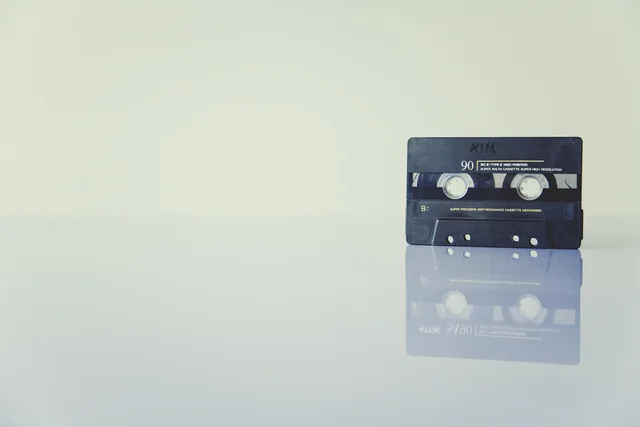
If the recordings already exist on cassette, a cassette to digital home setup walks through deck cleaning, head alignment, and routing audio into a computer.
Oral history transcription and transcript pairing
Transcribe in a separate pass, listening at half speed. Free options include oTranscribe in a browser and OpenAI's Whisper run on a local machine. Paid services such as Rev, Trint, and Descript produce faster drafts that still need corrections.
Mark speaker changes and timecodes every two or three minutes. Spell place names and family nicknames correctly, then send the draft back to the narrator for corrections.
Pair each transcript with its audio using one shared base name.
Transcription and transcript pairing
- Date
- Year first, ISO order · 2024-03-12
- Speaker
- Surname and initial · AlvarezR
- Event
- Short slug and take number · interview01
- Version
- v1 for the untouched copy · v1
Family history audio files: naming and storage
Store masters on two drives and keep one at a relative's house. Verify checksums once a year and move files to fresh drives every five years.
Keep tapes, drives, and printed transcripts out of basements and attics. NARA environmental control guidance explains how water and humidity damage records over time.
A naming pattern such as 2024-03-12_AlvarezR_interview01_v1.wav keeps a folder readable ten years later.