Guides
Digitize audio cassette tapes: how to check each file
Digitize audio cassette tapes, then test the file: peaks, length against the side, hiss and pitch, plus what each fault means and how to fix it.
What to take away
- A transfer is finished when the file passes four checkspeaks, length against the side, hiss and pitch.
- Peaks on the loudest passage should sit near -6 dBFS, and the meters should never have touched 0.
- A file that comes out shorter than its side was captured on a deck running fast, and the fix is a different deck.
- Keep the raw WAV untouched, and keep the tape, because the physical tape remains the master.
Four checks on a finished file
Play the new file on headphones against your memory of the live pass. Four checks tell you whether the transfer is right, and each has a number or a sound to compare against. Run them before the tape goes back in the box.
| What you check | What good looks like | Where to look if it misses |
|---|---|---|
| Peaks on the loudest passage | Between -9 and -3 dBFS, never 0 | The capture input level |
| File length against side length | Within about five seconds over 45 minutes | The deck, not the software |
| Hiss under quiet passages | Steady tape hiss, no low hum | The recording chain, once the tape's own hiss is ruled out |
| Pitch on a held note | Steady, with no slow wobble | The pinch roller and capstan |
The numbers come from the capture settings: 44.1 kHz and 16-bit, with peaks near -6 dBFS and nothing touching 0. A file that meets them can still fail on length or pitch, which is why the table has four rows and not one.
The checks start before the recording. Playing each tape through once, and noting dropouts, speed changes and where each side ends, gives you the figure to measure the file against. Record each side in one pass, as in the oral history workflow, because a join made mid-side is where a family recording stops sounding like itself.
When the length is wrong
Length is the test people skip. A 46-minute side that produces a 43-minute file is running fast, and the fix is a different deck rather than software. Compare the file length with the side length you noted on the first listen, and allow about five seconds over 45 minutes.
Consumer decks ran slightly fast or slow, and a piano exposes it within a few bars. A held note should stay steady, with no slow wobble. Leave pitch alone unless the error is obvious, since correction invents notes nobody played. A speed error is a deck fault, and the deck is where it gets fixed.
A different deck is a setup question. Test any used deck on a cassette you do not care about: press play and listen for two minutes of pitch drift, since a deck that wanders produces files that wander with it. The home setup for cassettes covers choosing one.
Warble and the swab pass
Warble is the common failure, a slow pitch wobble under voices and piano. It usually comes from a glazed pinch roller or a dirty capstan rather than from the tape. The recovery is the swab pass.
Put isopropyl alcohol of 90 percent or higher on a cotton swab, and turn the roller by hand until the swab comes away clean. Then let the part dry for a minute. The same pass covers the heads and the capstan, and it is worth repeating every ten to fifteen tapes.
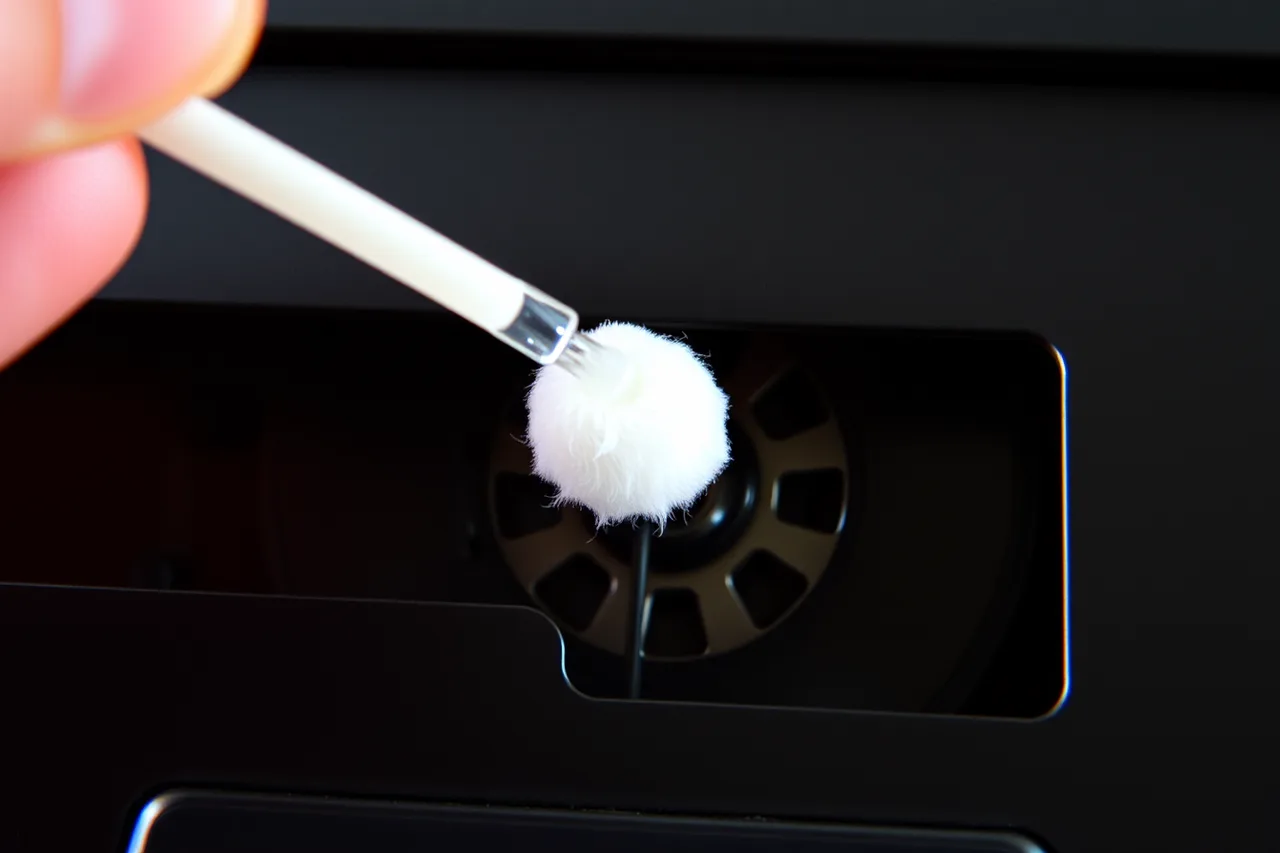
For a tape in poor condition, the National Park Service's Conserve O Gram on magnetic media advises cleaning the machine after each deteriorated tape has played, so debris does not carry over to the next one.
Clipping, dull sides and other faults
Clipping is a level problem rather than a tape problem. Peaks that touched 0 are the sign. Bring the capture input down until peaks land near -6 dBFS again, then record the side again.
If one side sounds duller than the other, a small head-angle adjustment is fair, and you should note what you changed. Record the tape flat, with noise reduction switched off, and decide later whether to decode it, because a decoded file cannot be undone.
If a tape spills, stop the motor before you touch the ribbon. Hand-wind the hub with a hex pencil until the loops lie flat, then let the cassette rest for a day before playing it.
Shell condition is the last fault to rule out. Plastics and rubber damage explains why old cases and rubber rollers break down from the inside. Isolate any cassette that smells of vinegar.
Before the tape goes back in the box
Save the raw WAV files untouched and export MP3 copies for daily listening. The MP3 is a working copy, not the master. Label both files with tape number, side and date, then add one line to your index. Labels matter as much as levels.
Keep the tape too, unless it is moldy or shedding. The National Park Service's Conserve O Gram on reformatting lists audiotape among the electronic and magnetic records that last 5 to 20 years, so check the transfer while the tape still plays.
Where the tapes and the new files live afterwards matters too, and storage for family history organization sets out one shared condition that suits both.